
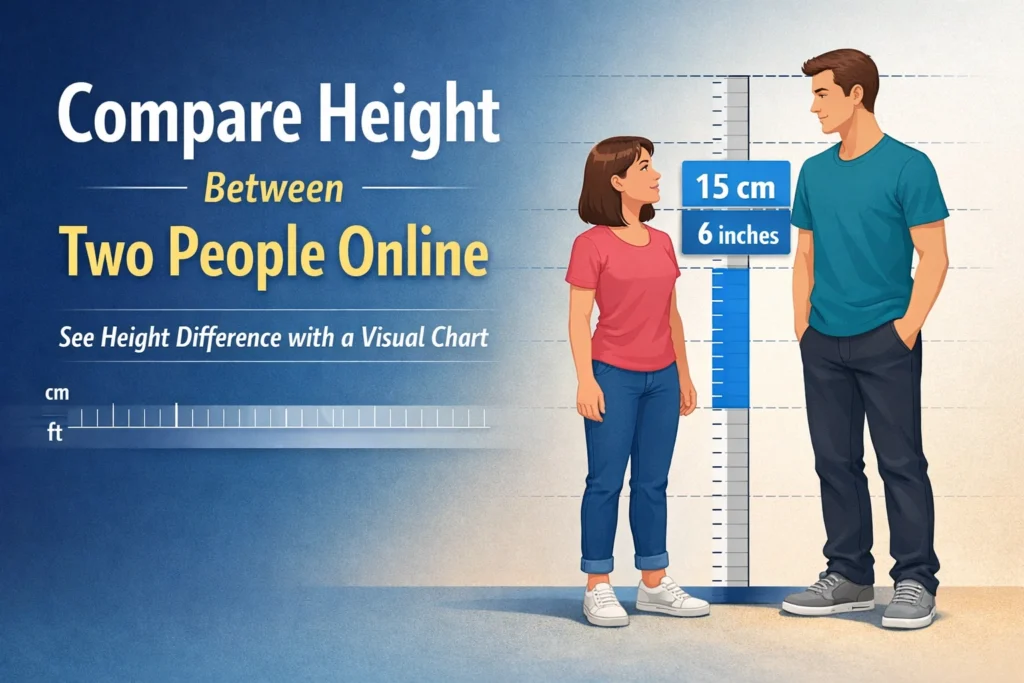
Use an online tool to compare height in a quick and clear way. A number alone does not always give the full picture. A visual result shows the real gap between two people within seconds and makes the answer easier to understand.
A good tool does more than show cm or feet. It helps you see who looks taller and how much space sits between both heights. This matters when you compare friends, family, celebrities, athletes, or any two people side by side.
Visual height results feel more real than plain numbers. They remove guesswork, save time, and give a direct answer that users can trust without extra effort.
Why People Compare Height Online
Height comes up in many daily situations. Friends joke about it. Fans compare celebrities. Parents track growth. Couples want to know the gap between them. Athletes also use height data in sports talk. These small questions often need a fast and clear answer.
Some people only want a number. Others want a visual result that feels easier to trust. Online tools save time and remove guesswork. You enter two heights, pick a unit, and get a direct answer without manual math or rough estimates.
What Height Comparison Shows
To compare height means to check the size gap between two people. The result can appear in centimeters, feet, or inches. Some tools also show the full height difference in more than one unit.
This helps you avoid confusion. A person may know one height in feet and another in centimeters. A smart tool handles both. It gives one clear result without extra work.
The best part is the speed. You enter both values and see the gap right away. That makes it easy to compare height in a way that feels smooth and accurate.
Why Visual Comparison Helps More
A number tells part of the story, but a visual result makes the gap easier to understand. Two people may seem close in height on paper, yet the real difference can look bigger or smaller when you picture them side by side.
A visual chart helps users read the result faster. It shows who looks taller at a glance and adds context that plain numbers cannot give. This makes the result more useful in fan searches, social posts, sports talk, and simple daily comparisons.
How an Online Height Tool Works
Most height tools follow a simple process. You enter the first height. Then you enter the second one. After that, the tool calculates the gap.
Some tools also let you switch units. You may use centimeters, feet, or feet with inches. A better tool also updates the answer at once, so you do not need extra steps.
A good tool should do these jobs well:
- Accept cm and ft/in values
- Show the exact gap
- Give a visual result
- Work well on mobile and desktop
- Stay easy to read
These points matter because users want speed and clarity. A crowded tool can confuse people. A clean design helps them focus on the result.
How to Compare Height Between Two People
The process is easy if the tool is well built. You do not need special skills. You only need the correct height values.
1. Enter the first height
Type the first person’s height in the unit you prefer. Some people use centimeters. Others use feet and inches.
2. Enter the second height
Add the second person’s height in the next field. Make sure the number is correct. A small error can change the result.
3. Check the result
The tool shows who is taller and the exact gap. Some tools also show a side view or chart, which makes the answer easier to understand.
4. Switch units if needed
If you want the answer in another format, change the unit. A strong tool updates the result without trouble.
If you want a fast way to compare height, a visual tool can make the answer much easier to read.
What Makes a Good Height Comparison Tool
Not every tool gives a good user experience. Some only show numbers. Some use weak scaling. Others feel hard to use on phones.
A strong tool should feel simple from the first click. It should load fast. It should show clean input fields. The result should appear without confusion.
Accurate scaling also matters. If the visual chart looks wrong, users lose trust. The taller person should look taller in the right proportion. A small gap should stay small. A large gap should look clear.
Good tools also avoid too many extra steps. A user should not need to fight with the page just to see one result.
Common Reasons People Search Height Difference
Many searches come from simple curiosity. A fan may want to compare two actors. A sports fan may want to check players. A student may want to compare height with a friend.
Parents also search height tools to see growth changes over time. Couples may want to see how much height separates them. Some users even compare their height with public figures just for fun.
This shows why the topic stays popular. Height feels personal, but it also feels social. People talk about it in daily life, online chats, and fan communities.
If you want a quick height difference check, a visual tool can save time and make the answer clearer.
Why Unit Conversion Matters
Many users do not use the same unit. One person may know height in centimeters, and another may use feet and inches. A good tool should handle both without confusion.
Correct conversion keeps the result clear and helps avoid mistakes. If someone guesses the unit change on their own, the final answer may be wrong. A proper tool removes that risk and gives a cleaner result.
Best Use Cases for a Height Tool
A height tool helps in many real situations. Some are practical. Some are just fun. Both matter because users want a tool that fits real life.
Here are some common use cases:
- Compare two friends or family members
- Check celebrity height gaps
- See sports player size gaps
- Track growth over time
- Share visual results online
These use cases explain why the page should stay simple. Many people visit fast, get one answer, and leave. The tool should respect that.
Quick Checks Before You Compare
✓ Input format is correct
✓ Height is not entered in the wrong style
✓ Both units match or convert correctly
✓ Chart scaling looks accurate
✓ Visual result matches the number shown
✓ Tool gives a clear and balanced result
Why a Simple Design Wins
A tool page does not need too much text or too many buttons. Users want one thing. They want a fast result. A simple layout helps them reach it without confusion.
Clean spacing, clear labels, and an easy result box make the tool feel more reliable. This matters on both desktop and mobile, where users expect a smooth and quick experience.
How This Helps Users More Than a Basic Calculator
A basic calculator can subtract one number from another. That is not enough in many cases. It does not convert units well. It does not show a visual gap. It does not feel built for real people who just want a simple answer.
A height comparison page solves those problems. It focuses on one task and does it in a user-friendly way. The result feels clearer, faster, and more useful.
That is the main reason these pages perform well. They serve a direct need. They help users without extra noise.
A good height tool does more than show a number. It makes the gap easy to see, easy to read, and easy to trust.
Some people compare height out of fun. Others want a quick and accurate answer. A simple visual tool helps in both cases and makes the result feel more real.
How can I compare height between two people online?
Use a height comparison tool that lets you enter both heights and shows the gap right away. A visual result makes the answer easier to read and easier to trust.
What is the easiest way to compare height?
An online tool gives the fastest and clearest result. It removes manual math and shows the difference in a format that users can understand at a glance.
Why does visual height comparison help more?
A visual result shows the real gap in a more natural way. It helps users see who looks taller without relying only on numbers.
Can I compare height in cm and feet?
A good tool supports both formats and converts them correctly. This keeps the result clear and helps avoid mistakes.
What should a good height comparison tool include?
A strong tool should show the exact gap, support unit conversion, and display a clean visual result. It should also work smoothly on both mobile and desktop.
